
Campaigns
Find open briefs, submit content, and earn rewards.
You get paid per 1,000 views your post earns, within limits the brand sets. Campaigns, at /creator/discover/campaigns, is where you discover brand campaigns, join them, and submit your posts.
The page header reads "Discover brand campaigns, join, and earn based on your post views." Keep the per-1,000-views model in mind as you browse: the reward you see on a card is a rate, not a flat payment, and your final earnings depend on how many views your post actually gets.
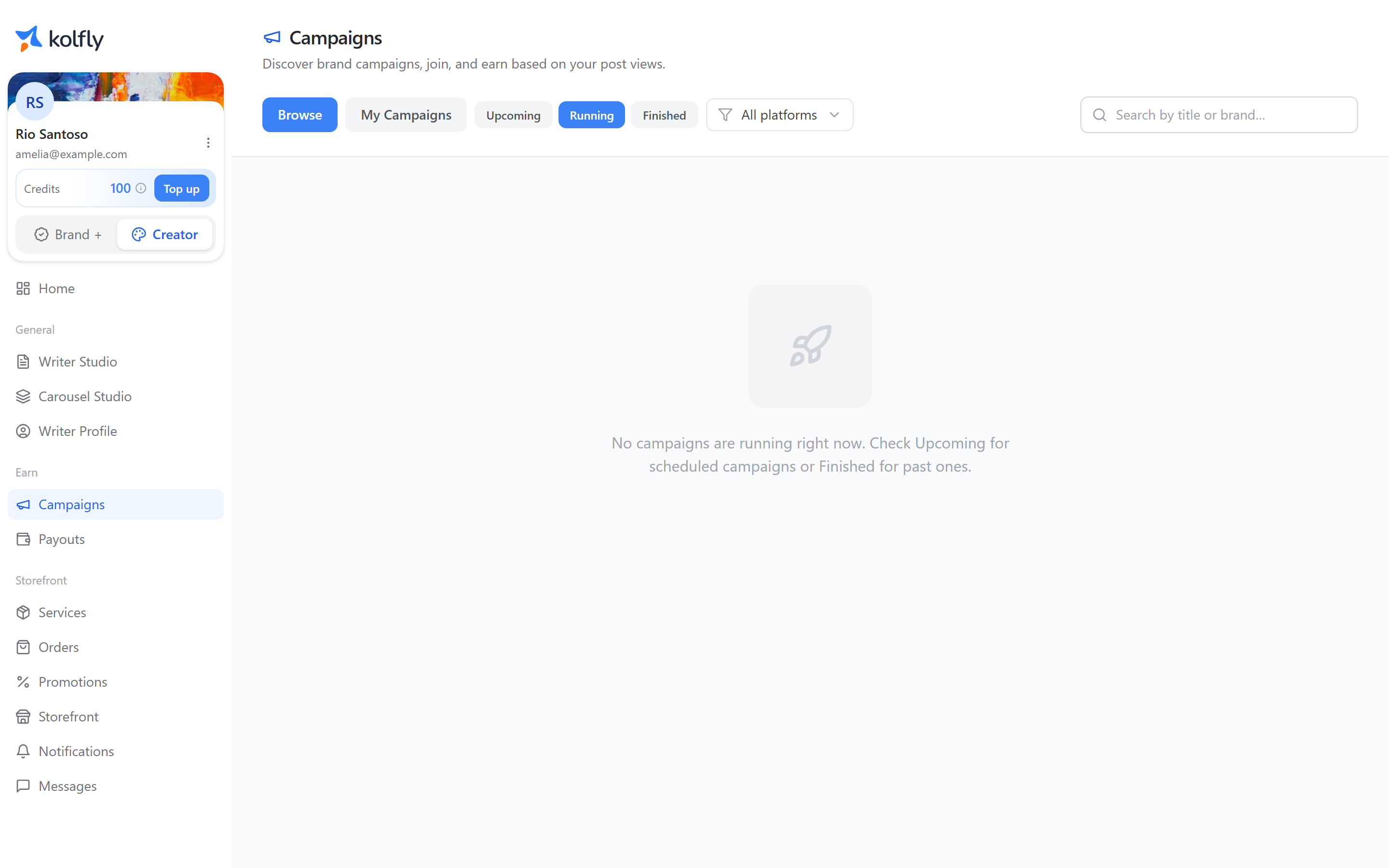
Browse and My Campaigns
The page has two tabs: Browse, where you find new campaigns, and My Campaigns, where you track the ones you have joined.
Browse gives you three ways to narrow the list:
- Phase pills: Upcoming, Running, Finished.
- A platform filter: All platforms, TikTok, Instagram.
- A search box: "Search by title or brand…".
Each campaign card shows the brand name, a phase badge, the reward as an amount per 1,000 views, the start and end dates, a Budget remaining bar, and platform tags. The Budget remaining bar disappears once the campaign has finished.
Reading a campaign's detail page
Select a campaign card to open its detail page. Two tabs sit at the top: Detail and Your videos. Your videos only appears once you have joined the campaign.
Detail tab
The Detail tab has an About section, a Top 10 clips leaderboard, and several collapsible sections.
Top 10 clips scrolls horizontally and shows a countdown to the next view refresh, so you can see how the leaderboard is trending before the next update.
The collapsible sections are:
- Brief
- Content requirements
- Do's, don'ts & mandatory elements
- Eligibility requirements
- Additional rules
- Assets & materials
- Terms & conditions
Read these before you post. They set the rules a brand will judge your submission against, and posting content that ignores them risks rejection even if your video performs well.
Sidebar
The sidebar on a campaign's detail page shows four figures plus the participation card:
| Figure | What it tells you |
|---|---|
| Per 1,000 views | The reward rate for this campaign |
| Minimum views | The view count your post must reach to qualify for payout |
| Cap per video | The maximum reward a single video can earn |
| Budget remaining | How much of the brand's budget is still available |
Joining a campaign
- Choose the platform you will post on.
- If that account is not yet verified, complete the inline verification before continuing.
- Select Join campaign. If the campaign has not started yet, select Register now instead.
- Paste your post link into the field.
- Select Submit post link.
The post link field expects a full URL, for example a tiktok.com or instagram.com post address.
You can submit more than one post to the same campaign. Select Submit another post to add another link; each submission is reviewed on its own.
Joining before a campaign starts
A scheduled campaign lets you register early with Register now, but it locks post submissions until the campaign actually starts. Registering early secures your spot without requiring you to post right away, so it's worth doing as soon as you spot a campaign you want.
What blocks you from joining
Two blockers can be fixed on the page itself: not having a connected social account, and not having a verified one. Both prompt you to connect or verify inline, without leaving the campaign page.
Other blockers cannot be resolved on the page. These include a minimum follower requirement you don't meet, or the campaign being outside its run window. When one of these applies, Kolfly shows a warning explaining why you can't join.
Participation status
Once you have joined, your participation moves through a series of statuses. Each shows a plain message on the page:
| Status | What you see |
|---|---|
| JOINED | "Joined. Submit your post link" |
| SUBMITTED | "Submitted" |
| PENDING_REVIEW | "Pending brand review" |
| APPROVED | "Approved by brand" |
| REJECTED | "Rejected", with the brand's reason shown to you |
| SYNCING_VIEWS | Views are being refreshed |
| ELIGIBLE | You have met the requirements for payout |
| FINALIZED | Views are locked in for this post |
| PAID | Your payout has been issued |
If a brand rejects your submission, the reason they gave appears alongside the REJECTED status so you know what to fix.
Understanding your earnings
Each submission's earnings breakdown shows:
- Latest views: the most recent view count Kolfly has for your post.
- Minimum views: whether you have met the campaign's minimum.
- Estimated earning: your projected payout before the campaign ends.
- Final payout: your locked-in payout after the campaign ends.
Earnings are estimates until the campaign ends and views are finalized. Estimated earnings move up and down as views re-sync, so don't treat an early estimate as final. Only the payout shown after finalization is guaranteed. Check back on your submission periodically rather than relying on the number you saw right after posting.
Credit cost
Joining campaigns, submitting posts, and tracking earnings do not cost credits. You can browse, register, and submit as many posts as the campaign rules allow at no charge to your account.